|
1. Stock Adjustments
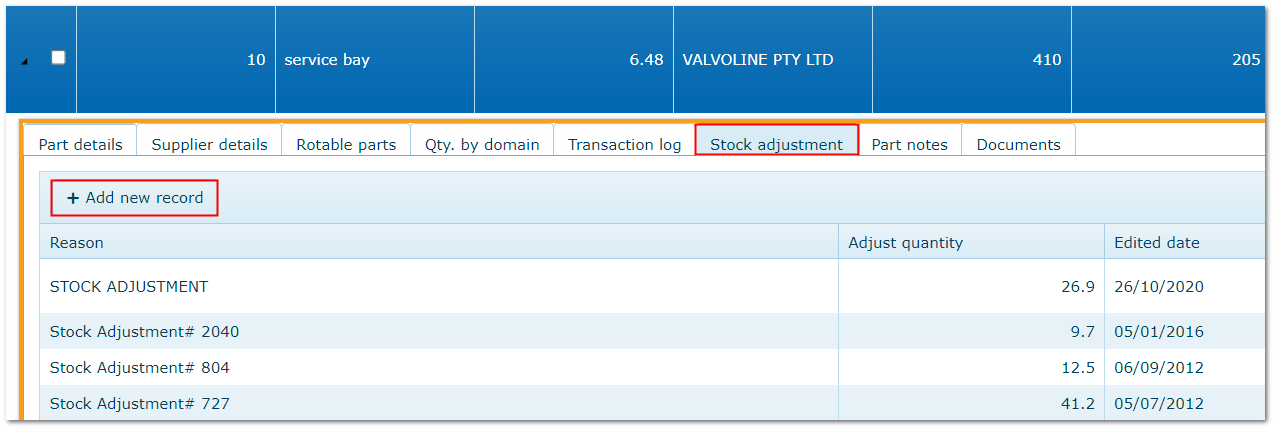
Inventory>>>Select Part>>>Stock Adjustments tab
From time to time, system quantity and shelf quantity may not agree. E.g. loss, damage, theft, recording errors.
Adjust system quantities so that they agree with shelf stock using a Stock Adjustment transaction.
•Add a new record with required details and save to update stock quantity accordingly
•The adjustment is recorded on the parts ledger and in the Transaction Log tab in the parts details
|

