|
1. Exporting Personnel Details
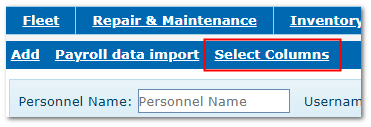
1.Set the displayed columns using the "Select Columns" option - the export will include details in the selected columns
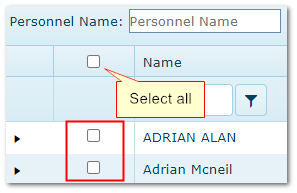
2.In the main Personnel list, tick the personnel records you want to export using the boxes on the left
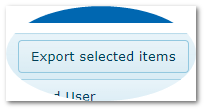
3.Click Export selected Items on the toolbar
4.AusFleet will generate a csv file containing the displayed columns
|