Logging In
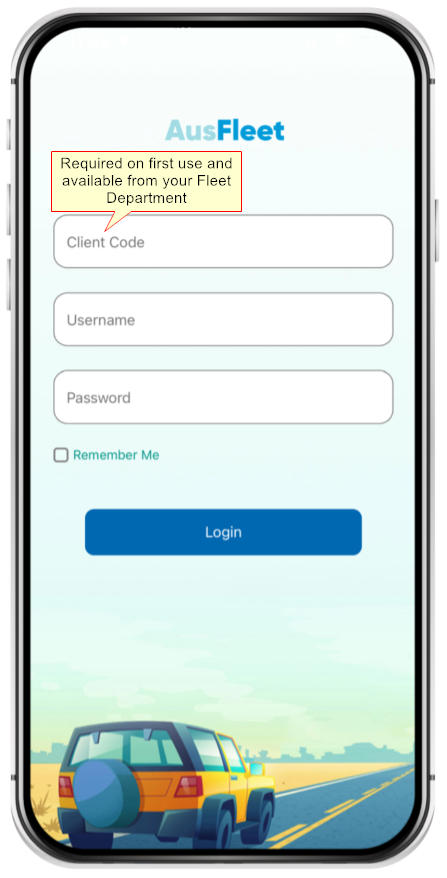
Log in using your AusFleet user name and password.
Client Code is only required for first use and is available from your Fleet Department.
Tick "Remember me" to sign in automatically on each visit.
|
Navigation
The calendar shows pool bookings you have coming up.
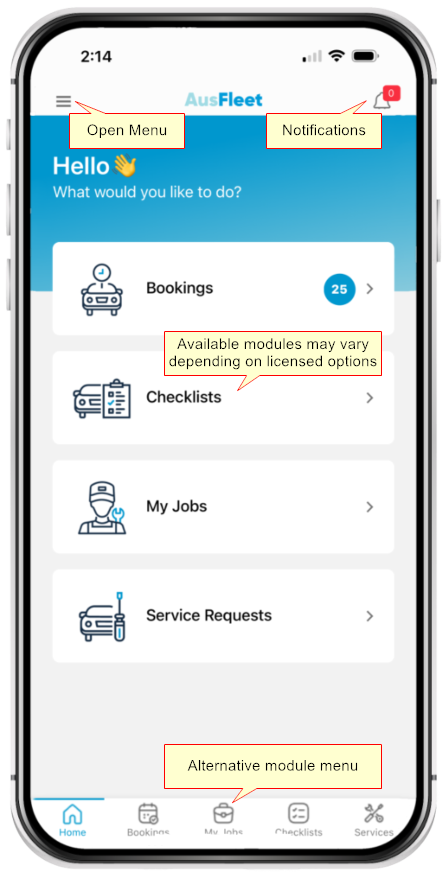
Available modules will depend on your organisation's licence.
Display may differ on different devices.
|
Logging Out
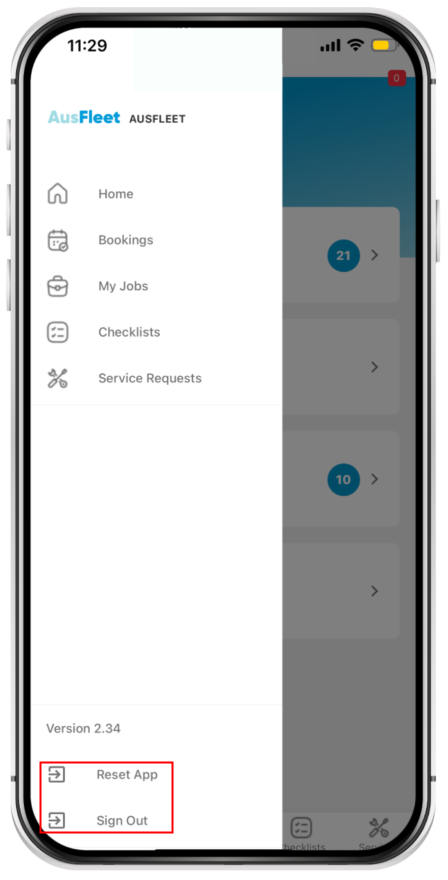
Open the side menu using 
"Sign Out": You need to enter username/password
"Reset App": You will also need to enter your Client Code.
AusFleet Support do not have access to passwords and cannot issue or reset them.
|