|
1. Introduction
Before use, please review the module Set Up details.
Logs are a record of utilisation based on odometer or hour meter readings. They are essential for FBT reporting.
Important note:
For items flagged as FBT applicable, a single log cannot cross two FBT years.
I.e. A log cannot have a start date prior to 1st April and an end date on or after 1st April.
This ensures accurate data is available for FBT calculations.
Start
|
End
|
|
|
20/02/2014
|
05/04/2014
|
|
|
20/02/2014
|
31/03/2014
|
|
|
01/04/2014
|
05/04/2014
|
|
The Logs module has options to view by fleet item or by driver. The Driver view sorts the table first by Driver name then by FBT year
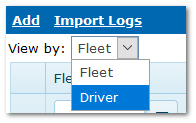
Expanding the records shows a comprehensive history.
Odometer/hour meter readings can be collected automatically for items fitted with telematics. Speak to your Account Manager or AusFleet Support for more information.
2. GPS Odometer Import Notification
Odometers can be imported from GPS systems to maintain accurate and frequent logs.
Contact Help Desk or your Account Manager for information on this option.
If an import fails, a notification appears with a link to open the import log file.
This is only be visible to licensed users via user right 70.05 Logs - View GPS Interface Logs.
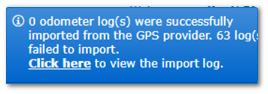
The log file can also be accessed via More>>GPS Interface Log
3. Add Logs
Logs may be added:
•In the Logs module or
•In Fleet>>Odometers, Hours & Logs>>Logs or
•Using the Quick Task icon
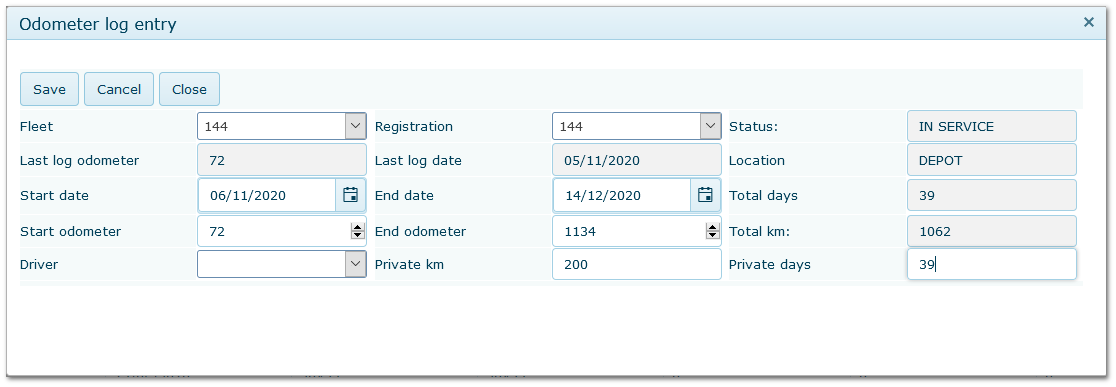
•Logs and dates must be sequential - no overlaps allowed
•Business/private use distinction is required for FBT calculation
•If a driver is allocated to a vehicle, they will default as the driver but a different driver can be selected for the log.
Logs Entry Screen
4. Calculating Private Use %
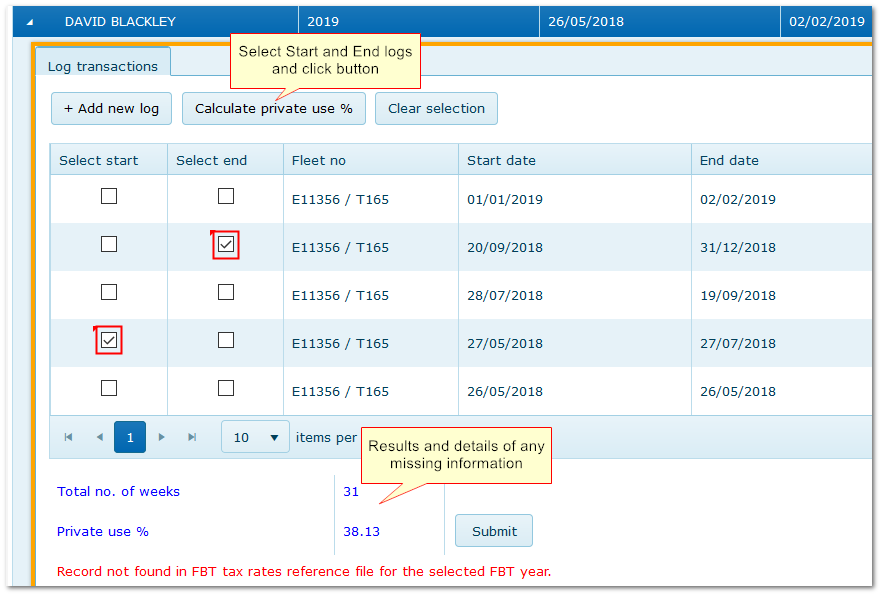
In the "Driver View" of Logs module, the "Calculate Private Use %" button can be used to select a date range within all logs submitted.
Tick "Start" and "End" logs and click the button.
The period selected must span at least 12 weeks within the same FBT year and all required background information must be complete E.g. FBT Commitment date and gross up type (Fleet>>MMSB>>Flags) and FBT reference files
|

