|

For accurate service scheduling it is vital that jobs are closed when complete and that accurate odometers are recorded.
Closing a job triggers update of the service schedule.
Repair & Maintenance module has a lot of settings to help you configure it according to your needs and to use defaults to reduce data entry.
1. Flags and Settings
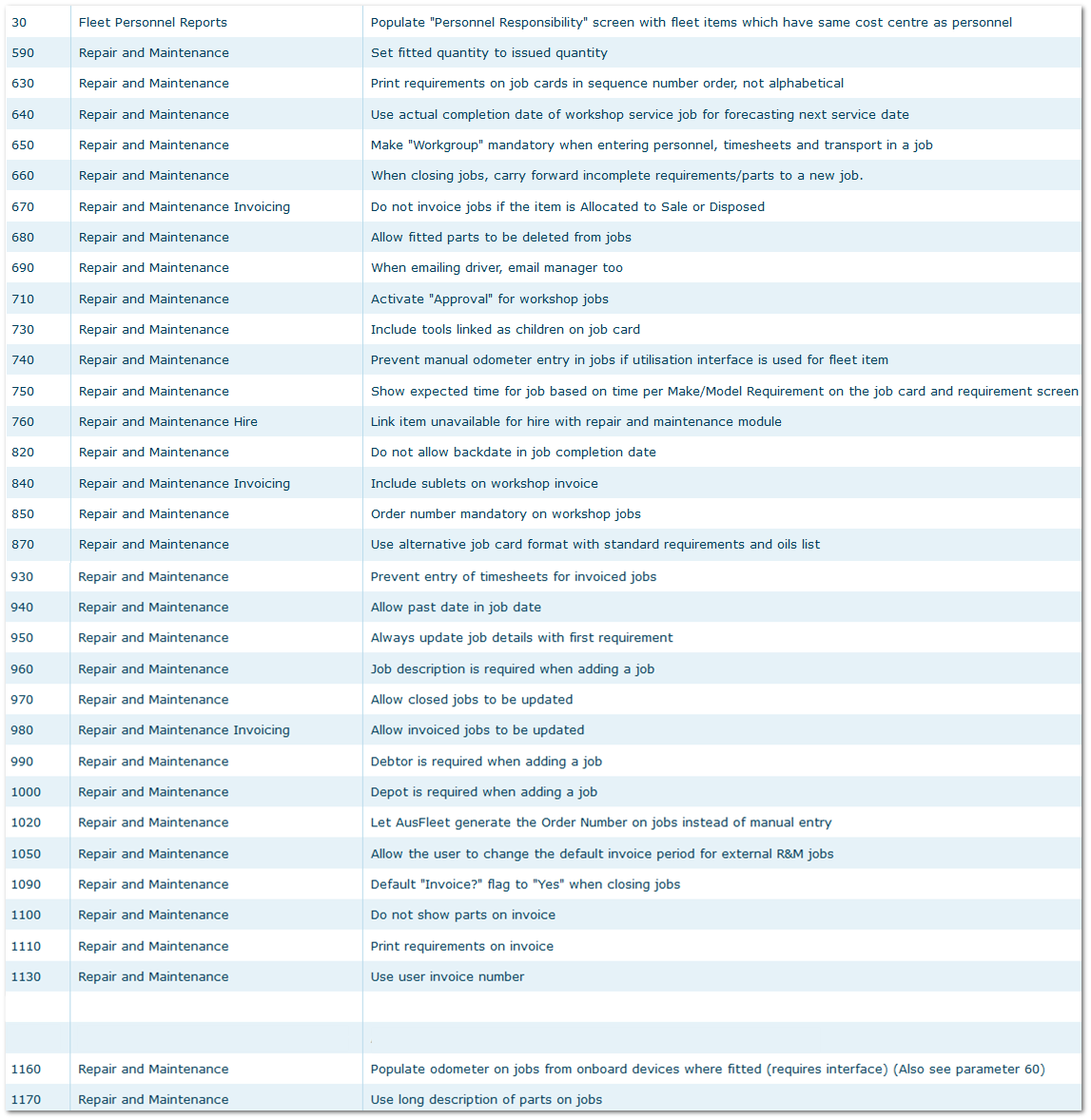
More>>Parameters>>Flags and Settings
Each of the settings below has a tool tip explaining how they operate.
Review the explanation and set according to your preference.
R&M Flags and Settings
2. Default Settings
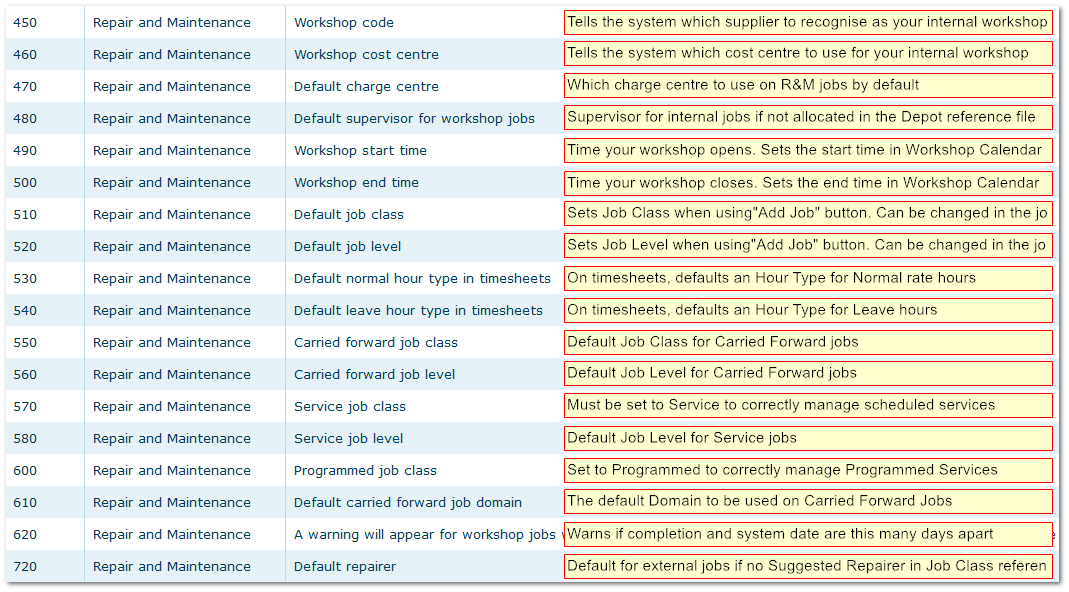
More>>Parameters>>Default Values
Place you cursor over the red areas to review the explanation of each default so you can set your preference accordingly.
R&M Default Values
3. Templates
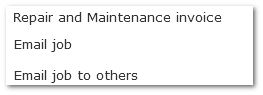
More>>Templates
These templates are used when:
a) an invoice for R&M jobs is produced
b) when notifying the allocated driver that their car is due for service
c) when sending job details to other recipients
R&M Templates
|

